
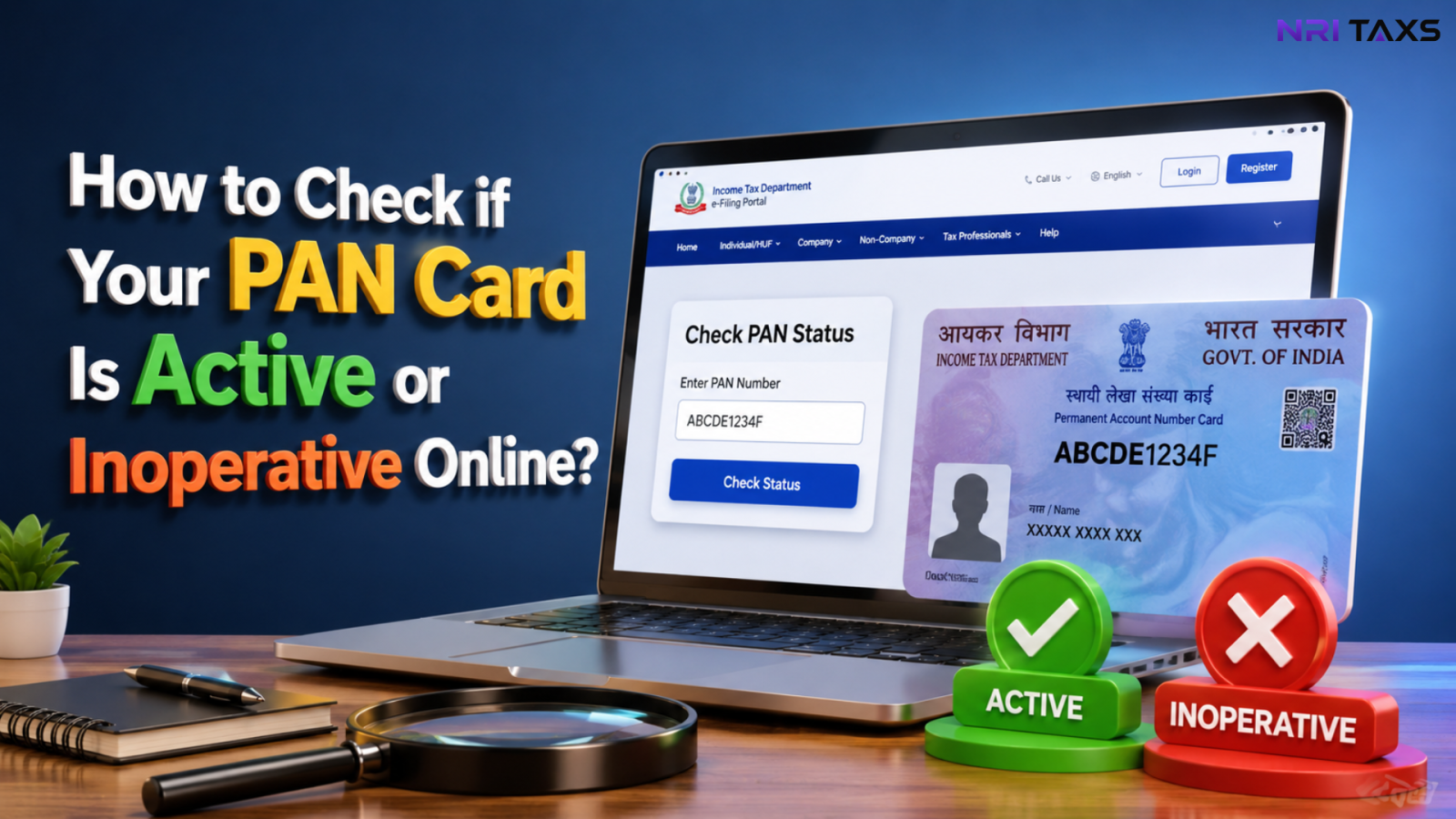
Your PAN card is more than just an identity document; it’s required for filing Income Tax Returns (ITRs), opening bank and demat accounts, investing in mutual funds, completing KYC, and carrying out several high-value financial transactions in India. However, many taxpayers only realise there’s a problem when their PAN is shown as inoperative during an important transaction.
Verifying whether your PAN Card is active or inoperative takes only a few minutes and can help you avoid unnecessary delays, compliance issues, and interruptions to your financial activities. In this guide, we’ll explain how to check your PAN status online, what the result means, and what to do if your PAN has become inoperative.
Key Takeaways
- ✔ You can check your PAN card status online in under two minutes using the official Income Tax e-Filing portal.
- ✔ An inoperative PAN is most commonly caused by an unlinked Aadhaar (where applicable) and may affect ITR filing, banking, KYC, and investment transactions.
- ✔ The reactivation process depends on the reason your PAN became inoperative. Residents may need to link Aadhaar, while NRIs may need to update their residential status instead.
- ✔ NRIs should not link Aadhaar automatically. First, confirm whether the Aadhaar-linking requirement applies to your residential status before taking any action.
What Does an Active PAN Card Mean?
An active PAN card means your Permanent Account Number is fully valid and recognised across the financial system. You can use it to file your ITR, open or operate bank accounts, invest in mutual funds or equities, complete KYC, and carry out high-value transactions without any restriction. An active status simply confirms that your PAN is correctly linked to your records and functioning as intended.
What Does an Inoperative PAN Card Mean?
An inoperative PAN card is one the Income Tax Department has flagged, most commonly because it isn’t linked to Aadhaar by the mandated deadline. While the PAN number itself doesn’t change, an inoperative PAN is treated as if it were not furnished at all for most financial purposes meaning banks, brokers, and the tax department will reject transactions until the issue is resolved.
Why Should You Check Your PAN Card Status?
Checking your PAN status before you need it saves you from last-minute rejections at exactly the wrong moment. It matters most in these situations:
- Before filing ITR — an inoperative PAN can stall your return or trigger a higher TDS rate.
- Before opening a bank account — banks won’t process new accounts on an inoperative PAN.
- Before investing — mutual fund houses and brokers will freeze transactions tied to a non-active PAN.
- Before property transactions — registrars require a valid, active PAN for high-value property deals.
- Before completing KYC — re-KYC with banks, depositories, or insurers depends on your PAN being active.
A two-minute check now can save you weeks of back-and-forth later.
How to Check if Your PAN Card Is Active or Inoperative Online?
Here’s the fastest way to run a PAN card status check online, directly on the official Income Tax e-Filing portal:
Step 1 — Visit incometax.gov.in and look for “Verify Your PAN” under the Quick Links section on the homepage. No login is required for this step.
Step 2 — Enter your PAN number, full name (exactly as on your PAN), date of birth, and registered mobile number.
Step 3 — Click “Continue,” then enter the OTP sent to your mobile number to verify your identity.
Step 4 — The portal will instantly display your PAN status as Active, Inactive, or Inoperative, along with a short explanation where applicable.
Quick Tip
Only use the official Income Tax e-Filing portal (incometax.gov.in) to check whether your PAN is active or inoperative. Several unofficial websites rank for similar searches and may ask for your PAN, name, date of birth, or mobile number. Always verify the website before entering your personal information.
What If Your PAN Shows as Inoperative?
If your check comes back inoperative, don’t panic this is a fixable, well-documented process. The most common reason is a missing Aadhaar link, and the fix usually involves linking your Aadhaar and paying a nominal penalty. Residents typically see their PAN reactivated within a few weeks of completing this. If you’re an NRI and your PAN shows inoperative despite having no Aadhaar obligation, the cause and fix are different. The mismatch usually comes down to your PAN records not reflecting your correct residential status, which is a separate correction process rather than an Aadhaar-linking issue.
The next step depends on the reason your PAN became inoperative, so avoid assuming Aadhaar linking is always the correct solution.
Common Reasons Why a PAN Becomes Inoperative
- PAN not linked to Aadhaar within the mandated deadline (the most common cause by far).
- Duplicate or multiple PANs held against the same person.
- PAN details — name, date of birth, or address — not matching official records, which sometimes requires a name correction before the PAN can be reactivated.
- PAN not yet updated to reflect a change from resident to NRI status, which can cause the system to expect an Aadhaar link that doesn’t apply.
- Long periods of inactivity combined with unresolved KYC gaps at your bank or depository.
Can You File ITR with an Inoperative PAN?
Technically, the portal may allow you to start your return, but an inoperative PAN creates real problems once you try to file. Refunds get held up, higher TDS rates may apply on your income, and in some cases the return itself won’t process correctly until the PAN is reactivated. If you’re an NRI filing from abroad, this becomes more layered, inoperative status, TDS rates, and reporting obligations interact differently for non-resident income, so it’s worth getting the PAN status resolved before, not during, your filing.
| PAN Status | Can You File ITR? | What Happens / Impact |
| Active | ✅ Yes | Normal process. Refund receive hoga aur standard TDS rates apply honge. |
| Inoperative | ⚠️ Limited / Issues | ITR file ho jayega, par refund process nahi hoga, refund par interest nahi milega, aur Higher TDS/TCS deduct ho sakta hai. |
How to Reactivate an Inoperative PAN?
If your PAN has become inoperative, the reactivation process depends on the reason behind it. For most residents, the issue is resolved by linking PAN with Aadhaar and completing the required formalities. NRIs, however, may need to update their residential status instead of linking Aadhaar.
Step 1: Identify Why Your PAN Is Inoperative:- Check your PAN status on the Income Tax e-Filing portal and note the reason shown.
Step 2: Complete the Required Correction:- Residents generally need to link PAN with Aadhaar, while NRIs may need to update their residential status and PAN records.
Step 3: Submit the Required Request:- Complete the applicable process through the Income Tax e-Filing portal or follow the instructions provided by the Income Tax Department.
Step 4: Track Your PAN Status:- Allow a few weeks for verification and periodically check whether your PAN status has changed back to Active.
? Need detailed instructions? Read our complete guide on How to Reactivate an Inoperative PAN Card

How to Link PAN with Aadhaar?
If your PAN has become inoperative due to Aadhaar not being linked, you can complete the linking process online through the official Income Tax e-Filing portal.
Step 1: Log in to the Income Tax e-Filing Portal:- Sign in using your PAN and password.
Step 2: Open the “Link Aadhaar” Service:- Navigate to Profile → Link Aadhaar or use the service available on the dashboard.
Step 3: Verify Your Aadhaar Details:- Enter your Aadhaar number, confirm the details, and pay the applicable fee if required.
Step 4: Submit the Request:- Review the information and submit your PAN–Aadhaar linking request.
Step 5: Check the Linking Status:- After processing, revisit the portal to confirm that your PAN and Aadhaar have been successfully linked.
? For screenshots, eligibility rules, fees, and common errors, read our complete guide on How to Link PAN with Aadhaar.
Final Thoughts
A PAN status check takes two minutes and can save you from a rejected ITR, a frozen investment, or a bank account that suddenly stops working. If you haven’t checked yours in a while, do it today, before you actually need it for something time-sensitive.
Not sure where your PAN stands or need help fixing an inoperative status? Get in touch with our team for a quick, personalised check.
Disclaimer
The content published on NriTaxs is intended for informational purposes only and does not constitute legal, tax, or financial advice. Readers are encouraged to consult qualified professionals before making any decisions based on the information provided.





Related Articles