
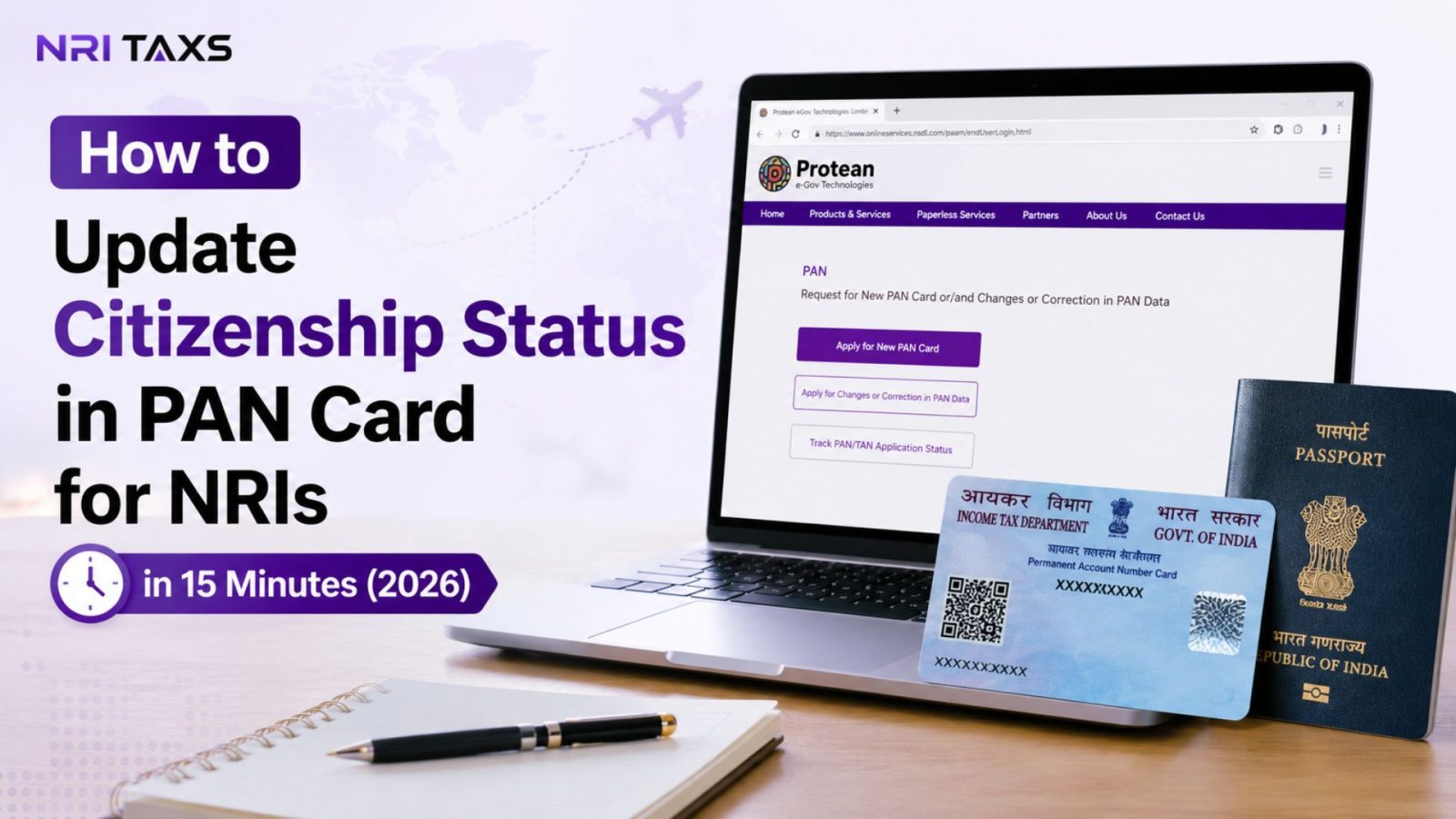
If you’ve become a citizen of another country but your PAN card still shows your old citizenship details, it’s time to update it. An incorrect citizenship status can create unnecessary issues during KYC verification, banking, investments, and tax-related transactions in India. The good news is that updating your PAN card doesn’t require a complicated process or a visit to India. If you have the required documents ready, you can complete the online application in around 15 minutes. This guide explains the complete process, required documents, fees, processing time, and the common mistakes you should avoid.
Why Should NRIs Update Their Citizenship Status in PAN Card?
Your PAN is more than an identifier, it’s the record the Income Tax Department, your bank, and every financial institution you deal with in India cross-checks against. When your citizenship status on file is outdated, a handful of things start going wrong quietly, until one of them stops being quiet:
- PAN mismatch:- If your PAN still shows you as a Resident Indian citizen after you’ve become an NRI, acquired OCI status, or taken foreign citizenship, your PAN record no longer matches your actual legal status and mismatches are exactly what triggers manual review and delays.
- Bank KYC:– Banks re-verify KYC periodically, and if your PAN citizenship field doesn’t match the documents you submit for NRE/NRO account KYC, your account can be flagged or restricted until it’s resolved.
- Investments:- Mutual funds, demat accounts, and brokerage platforms depends on your PAN details to classify you correctly. An outdated citizenship status can block fresh investments or redemptions until the discrepancy is fixed.
- Tax compliance:- Your residential and citizenship status directly affects your tax treatment, TDS rates, and which ITR form applies to you an incorrect record can mean you’re taxed incorrectly or flagged for scrutiny.
- Property transactions:- Buying, selling, or transferring property in India requires your PAN details to be accurate and current, since a mismatch here can stall registration or delay TDS certificates like Form 13.
Who Needs to Update Citizenship Status in PAN Card?
Not every NRI needs to change their citizenship status some only need a residential status or address update. You specifically need to update citizenship status in PAN card if you fall into one of these categories:
- NRIs who are still Indian citizens:- If you’re an Indian citizen living abroad and your PAN was issued while you were a resident, your citizenship field itself may still be accurate, but your related status details often need to be brought current.
- OCI cardholders:- If you were previously an Indian citizen and now hold an OCI card along with a foreign passport, your PAN citizenship status needs to reflect your current foreign citizenship, not your earlier Indian citizenship.
- Foreign passport holders:- If you acquired foreign citizenship (through naturalization or otherwise) and your PAN was originally issued as an Indian citizen, this is the clearest case where an update is mandatory.
- Those who have renounced Indian citizenship:- If you’ve formally renounced your Indian citizenship, your PAN record must be corrected to reflect your new nationality, since continuing to hold a PAN marked “Indian citizen” after renunciation creates a direct legal mismatch.
If you don’t already have a PAN card, you’ll need one before submitting a correction request. Read our step-by-step guide on How to Apply for a PAN Card for NRIs to get started.
Documents Required to Update Citizenship Status in PAN Card
Gathering the right paperwork upfront is what actually makes this a 15-minute process instead of a back-and-forth one. Here’s what you’ll typically need:
| Document | Purpose |
| Current passport (foreign or Indian, as applicable) | Primary proof of your updated citizenship |
| OCI card (if applicable) | Confirms OCI status alongside foreign citizenship |
| Renunciation certificate (if applicable) | Proof of formal renunciation of Indian citizenship |
| Existing PAN card copy | Required to link the correction request to your existing PAN |
| Foreign address proof (utility bill, bank statement, or residence permit) | Supports your current address and residency details |
| Passport-size photograph | Required for physical PAN card reprint, if opted for |
Documents issued outside India generally need to be attested by the Indian consulate/embassy or apostilled, depending on your country of residence this is one of the most common reasons a PAN correction application for NRIs for NRIs gets sent back for resubmission, so double-check this before you upload anything.

How to Update Citizenship Status in PAN Card For NRIs
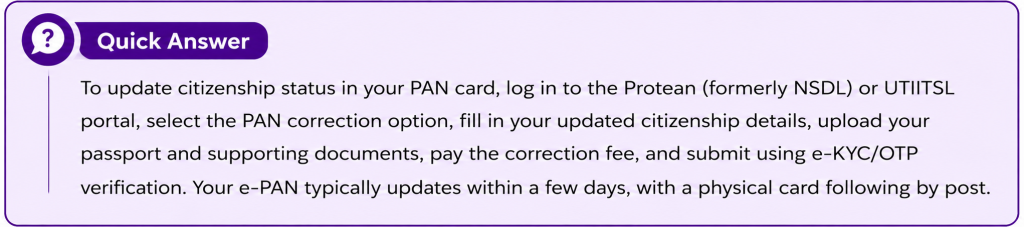
Here’s how to update citizenship status in PAN card for NRIs in six simple steps, using either the Protean (formerly NSDL) or UTIITSL portal.
Step 1: Visit the Official Portal
Go to the official Protean portal at protean-tinpan.com, or alternatively utiitsl.com. Both are authorized by the Income Tax Department to process PAN correction requests, so either works.
Tip: Always use the official PAN service provider’s website to avoid unnecessary charges or fraudulent third-party portals.
Step 2: Choose the PAN Correction Option
Select “Changes or Correction in Existing PAN Data” from the application type menu. This is the correction route, not the new-PAN application route selecting the wrong option is one of the most common early mistakes.
Tip: Selecting the wrong application type may result in your request being rejected or delayed.
Step 3: Fill In Your Updated Details
Enter your existing PAN number, then fill in only the fields you need to change in this case, your citizenship status and any related fields like address that may need updating alongside it. Leave unrelated fields untouched to avoid unnecessary re-verification.
Tip: Ensure your name, date of birth, and passport details exactly match your supporting documents.
Step 4: Upload Supporting Documents
Upload clear scanned copies of your passport, OCI card or renunciation certificate (as applicable), and address proof. Blurry or partially cropped scans are a leading cause of rejection, so double-check each file before submitting.
Tip: Upload high-quality colour scans. Blurry or cropped documents are one of the most common reasons for application delays.
Step 5: Pay the Correction Fee
Pay the applicable fee online via debit card, credit card, or net banking. The exact amount depends on whether you want your physical PAN card dispatched to an Indian or foreign address.
Tip: Keep a copy of the payment receipt until your application is successfully processed.
Step 6: Submit and Complete e-KYC Verification
Submit your application and complete OTP-based e-KYC verification. You’ll receive a 15-digit acknowledgment number save this, since it’s what you’ll use to track your application until it’s resolved.
Tip: Save your 15-digit acknowledgement number, as you’ll need it to track your PAN correction status.
How Much Does It Cost to Update Citizenship Status in a PAN Card?
PAN correction fees are modest and depend mainly on your dispatch address. For an Indian dispatch address, the fee is typically around ₹107. For a foreign dispatch address, it’s higher generally in the ₹910 to ₹1,020 range, largely to cover international courier charges for the physical card. If you opt for the e-PAN only (digital copy, no physical card), the fee is usually on the lower end of that range. Card payments may attract a small additional processing fee of up to around 2%.
How Long Does It Take Update Citizenship Status in PAN Card?
| Stage | Estimated Time |
| Fill Online Application | 10–15 Minutes |
| Document Upload | 5–10 Minutes |
| Application Submission | Immediate |
| PAN Correction Processing | 7–15 Working Days |
| Delivery of Updated PAN (if physical card selected) | Depends on delivery location |
Common Mistakes That Delay PAN Citizenship Updates
These mistakes are the most common reason NRIs fail to update citizenship status in PAN card for NRIs on the first attempt, and each one can add weeks to the process:
- Wrong passport details:- Even a small mismatch between the passport number entered on the form and the uploaded scan will trigger a rejection.
- Wrong citizenship selection:- Selecting “Indian” when you hold foreign citizenship (or vice versa) is a surprisingly common error that requires a fresh correction request to fix.
- Name mismatch:- If your name doesn’t appear identically across your passport, OCI card, and existing PAN, the application is likely to be flagged for manual review.
- Wrong or missing attestation:– Documents issued abroad that aren’t properly attested by the Indian consulate or apostilled are one of the top reasons correction requests get sent back.
- Blurry or incomplete scans:- Low-resolution uploads or partially visible pages are treated the same as missing documents.
What Happens If You Don’t Update Your Citizenship Status?
Most NRIs assume an outdated PAN record is a minor administrative gap rather than an active problem until it collides with something time-sensitive. Here’s what an unresolved PAN mismatch can actually trigger:
- PAN mismatch flags:- Government and financial systems increasingly cross-verify PAN details against passport and Aadhaar records; a citizenship mismatch can flag your PAN for review or, in some cases, render it inoperative for certain transactions.
- Bank account issues:- Banks conducting periodic KYC refreshes may restrict or freeze NRE/NRO account operations if your PAN citizenship details don’t match your submitted KYC documents.
- Tax filing and TDS issues:- An incorrect citizenship or residential status on your PAN can result in the wrong TDS rate being applied to your income, property sale proceeds, or investment redemptions often to your disadvantage.

Conclusion
Now that you know how to update citizenship status in PAN card for NRIs, there’s no real reason to leave it pending. It’s a genuinely quick fix when your documents are ready the delays only happen when attestation, scans, or form details aren’t sorted out beforehand. Set aside 15 minutes, gather your passport and supporting documents, and get it done before it collides with a property sale, a bank KYC refresh, or your next tax filing.
Need help getting your documents attestation-ready before you apply? Get in touch and we’ll walk you through it step by step.
Disclaimer
The content published on NriTaxs is intended for informational purposes only and does not constitute legal, tax, or financial advice. Readers are encouraged to consult qualified professionals before making any decisions based on the information provided.


Related Articles